Cascading Slider
GSAP-driven carousel that positions slides across 7 slots (active, left/right siblings, far left/right, and two hidden staging slots). Slides clip-path into view as they move, with the active slide title fading in after the transition completes. Keyboard and click navigable.
View Full Demo →Preview

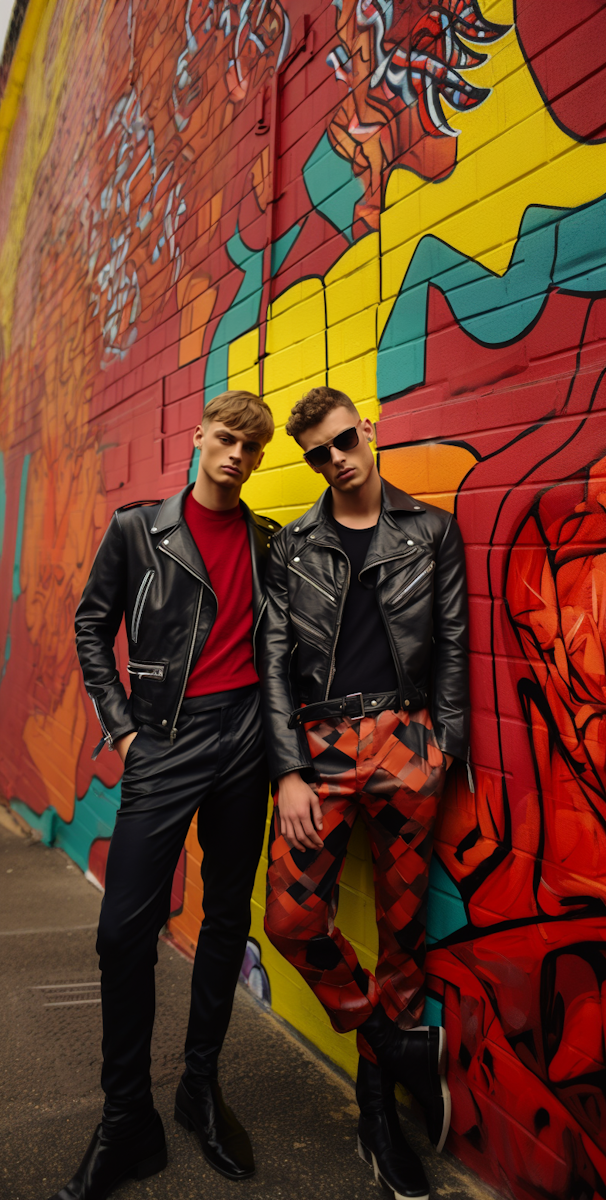


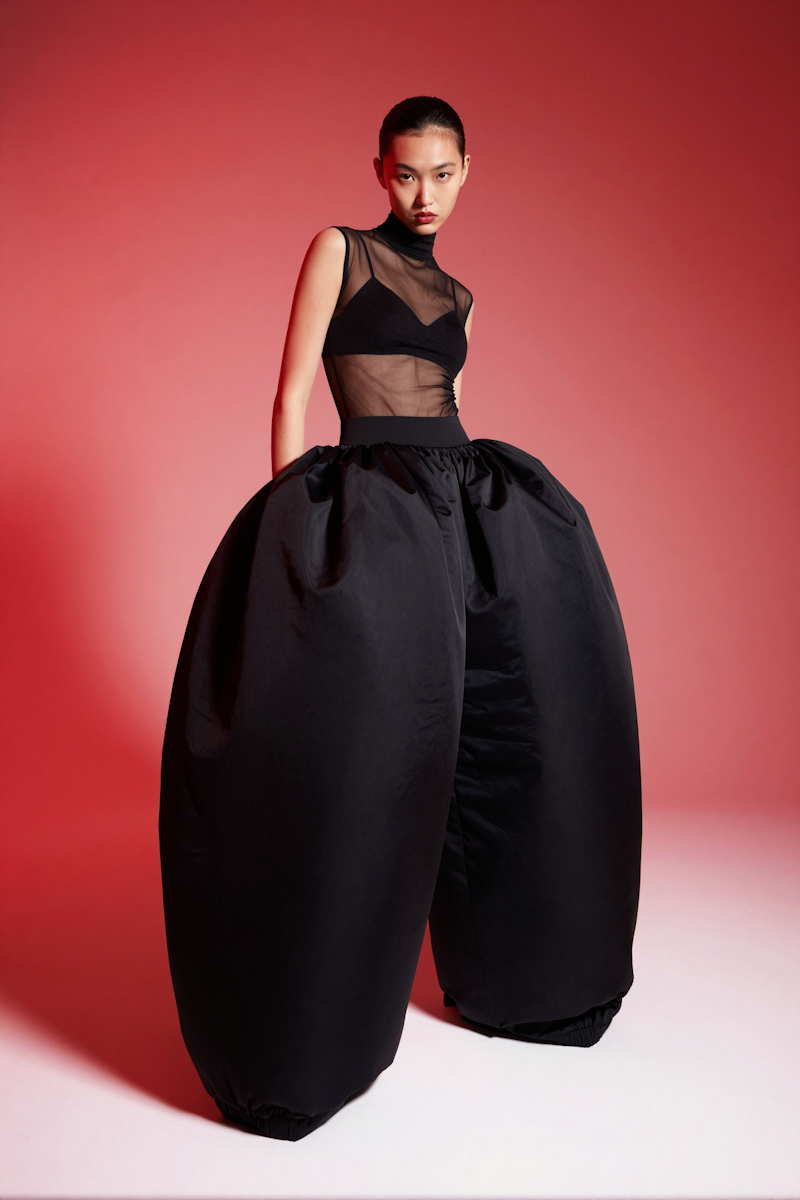

Source
import CascadingSlider from './index.jsx';

const SLIDES = [
  { src: '/demo-assets/models/model0.png', alt: '', title: 'Editorial' },
  { src: '/demo-assets/models/model2.png', alt: '', title: 'Campaign' },
  { src: '/demo-assets/models/model4.png', alt: '', title: 'Portrait' },
  { src: '/demo-assets/models/model6.png', alt: '', title: 'Studio' },
  { src: '/demo-assets/models/model8.png', alt: '', title: 'Archive' },
  { src: '/demo-assets/models/model1.png', alt: '', title: 'Lookbook' },
];

export default function CascadingSliderDemo() {
  return <CascadingSlider slides={SLIDES} />;
}
'use client';
import { useEffect, useRef, useMemo } from 'react';
import { gsap } from 'gsap';
import styles from './styles.module.css';

const DURATION = 0.65;
const EASE = 'power3.inOut';

const BREAKPOINTS = [
  { maxWidth: 479,      activeWidth: 0.78, siblingWidth: 0.08 },
  { maxWidth: 767,      activeWidth: 0.70, siblingWidth: 0.10 },
  { maxWidth: 991,      activeWidth: 0.60, siblingWidth: 0.10 },
  { maxWidth: Infinity, activeWidth: 0.60, siblingWidth: 0.13 },
];

export default function CascadingSlider({ slides = [] }) {
  const viewportRef     = useRef(null);
  const prevBtnRef      = useRef(null);
  const nextBtnRef      = useRef(null);
  const slideRefsArray  = useRef([]);

  const fullSlides = useMemo(() => {
    if (slides.length === 0) return [];
    let arr = [...slides];
    const orig = [...slides];
    while (arr.length < 9) orig.forEach(s => arr.push({ ...s }));
    return arr;
  }, [slides]);

  useEffect(() => {
    const viewport  = viewportRef.current;
    const slideEls  = slideRefsArray.current.filter(Boolean);
    const prevBtn   = prevBtnRef.current;
    const nextBtn   = nextBtnRef.current;

    if (!viewport || slideEls.length === 0) return;

    const totalSlides = slideEls.length;
    let activeIndex   = 0;
    let isAnimating   = false;
    let slideWidth    = 0;
    const slotCenters = {};
    const slotWidths  = {};

    function readGap() {
      const raw = getComputedStyle(viewport).getPropertyValue('--gap').trim();
      if (!raw) return 0;
      const temp = document.createElement('div');
      temp.style.width = raw;
      temp.style.position = 'absolute';
      temp.style.visibility = 'hidden';
      viewport.appendChild(temp);
      const px = temp.offsetWidth;
      viewport.removeChild(temp);
      return px;
    }

    function getSettings() {
      const w = window.innerWidth;
      for (let i = 0; i < BREAKPOINTS.length; i++) {
        if (w <= BREAKPOINTS[i].maxWidth) return BREAKPOINTS[i];
      }
      return BREAKPOINTS[BREAKPOINTS.length - 1];
    }

    function getOffset(slideIndex, fromIndex = activeIndex) {
      let distance = slideIndex - fromIndex;
      const half = totalSlides / 2;
      if (distance > half)  distance -= totalSlides;
      if (distance < -half) distance += totalSlides;
      return distance;
    }

    function measure() {
      const settings      = getSettings();
      const viewportWidth = viewport.offsetWidth;
      const gap           = readGap();

      const activeSlideWidth  = viewportWidth * settings.activeWidth;
      const siblingSlideWidth = viewportWidth * settings.siblingWidth;
      const farSlideWidth     = Math.max(
        0,
        (viewportWidth - activeSlideWidth - 2 * siblingSlideWidth - 4 * gap) / 2,
      );

      slideWidth = activeSlideWidth;

      const visibleSlots = [
        { slot: -2, width: farSlideWidth },
        { slot: -1, width: siblingSlideWidth },
        { slot:  0, width: activeSlideWidth },
        { slot:  1, width: siblingSlideWidth },
        { slot:  2, width: farSlideWidth },
      ];

      let x = 0;
      visibleSlots.forEach((def, i) => {
        slotCenters[String(def.slot)] = x + def.width / 2;
        slotWidths[String(def.slot)]  = def.width;
        if (i < visibleSlots.length - 1) x += def.width + gap;
      });

      slotCenters['-3'] = slotCenters['-2'] - farSlideWidth / 2 - gap - farSlideWidth / 2;
      slotWidths['-3']  = farSlideWidth;
      slotCenters['3']  = slotCenters['2']  + farSlideWidth / 2 + gap + farSlideWidth / 2;
      slotWidths['3']   = farSlideWidth;

      slideEls.forEach(slide => { slide.style.width = slideWidth + 'px'; });
    }

    function getSlideProps(offset) {
      const clamped    = Math.max(-3, Math.min(3, offset));
      const slotWidth  = slotWidths[String(clamped)];
      const clipAmount = Math.max(0, (slideWidth - slotWidth) / 2);
      const translateX = slotCenters[String(clamped)] - slideWidth / 2;
      return { x: translateX, '--clip': clipAmount, zIndex: 10 - Math.abs(clamped) };
    }

    function layout(animate, previousIndex) {
      slideEls.forEach((slide, index) => {
        const offset = getOffset(index);

        if (offset < -3 || offset > 3) {
          if (animate && previousIndex !== undefined) {
            const previousOffset = getOffset(index, previousIndex);
            if (previousOffset >= -2 && previousOffset <= 2) {
              const exitSlot = previousOffset < 0 ? -3 : 3;
              gsap.to(slide, { ...getSlideProps(exitSlot), duration: DURATION, ease: EASE, overwrite: true });
              return;
            }
          }
          gsap.set(slide, getSlideProps(offset < 0 ? -3 : 3));
          return;
        }

        const props = getSlideProps(offset);
        slide.setAttribute('data-status', offset === 0 ? 'active' : 'inactive');

        if (animate) {
          gsap.to(slide, { ...props, duration: DURATION, ease: EASE, overwrite: true });
        } else {
          gsap.set(slide, props);
        }
      });
    }

    function goTo(targetIndex) {
      const normalizedTarget = ((targetIndex % totalSlides) + totalSlides) % totalSlides;
      if (isAnimating || normalizedTarget === activeIndex) return;
      isAnimating = true;

      const previousIndex   = activeIndex;
      const travelDirection = getOffset(normalizedTarget, previousIndex) > 0 ? 1 : -1;

      slideEls.forEach((slide, index) => {
        const currentOffset  = getOffset(index, previousIndex);
        const nextOffset     = getOffset(index, normalizedTarget);
        const wasInRange     = currentOffset >= -3 && currentOffset <= 3;
        const willBeVisible  = nextOffset >= -2 && nextOffset <= 2;

        if (!wasInRange && willBeVisible) {
          gsap.set(slide, getSlideProps(travelDirection > 0 ? 3 : -3));
        }

        const wasInvisible   = Math.abs(currentOffset) >= 3;
        const willBeStaging  = Math.abs(nextOffset) === 3;
        const crossesSides   = currentOffset * nextOffset < 0;
        if (wasInvisible && willBeStaging && crossesSides) {
          gsap.set(slide, getSlideProps(nextOffset > 0 ? 3 : -3));
        }
      });

      activeIndex = normalizedTarget;
      layout(true, previousIndex);
      gsap.delayedCall(DURATION + 0.05, () => { isAnimating = false; });
    }

    const handlePrev    = () => goTo(activeIndex - 1);
    const handleNext    = () => goTo(activeIndex + 1);
    const handleKeyDown = e => {
      if (e.key === 'ArrowLeft')  goTo(activeIndex - 1);
      if (e.key === 'ArrowRight') goTo(activeIndex + 1);
    };

    const slideClickHandlers = slideEls.map((slide, index) => {
      const handler = () => { if (index !== activeIndex) goTo(index); };
      slide.addEventListener('click', handler);
      return handler;
    });

    let resizeTimer;
    const handleResize = () => {
      clearTimeout(resizeTimer);
      resizeTimer = setTimeout(() => { measure(); layout(false); }, 100);
    };

    if (prevBtn) prevBtn.addEventListener('click', handlePrev);
    if (nextBtn) nextBtn.addEventListener('click', handleNext);
    document.addEventListener('keydown', handleKeyDown);
    window.addEventListener('resize', handleResize);

    measure();
    layout(false);

    return () => {
      if (prevBtn) prevBtn.removeEventListener('click', handlePrev);
      if (nextBtn) nextBtn.removeEventListener('click', handleNext);
      document.removeEventListener('keydown', handleKeyDown);
      window.removeEventListener('resize', handleResize);
      clearTimeout(resizeTimer);
      slideEls.forEach((slide, index) => slide.removeEventListener('click', slideClickHandlers[index]));
      gsap.killTweensOf(slideEls);
    };
  }, [fullSlides]);

  return (
    <div className={styles.slider} aria-label="Featured content" aria-roledescription="carousel">
      <div className={styles.collection}>
        <div ref={viewportRef} className={styles.viewport}>
          {fullSlides.map((slide, i) => (
            <div
              key={i}
              ref={el => (slideRefsArray.current[i] = el)}
              aria-roledescription="slide"
              role="group"
              className={styles.slide}
            >
              <div className={styles.slideInner}>
                <div className={styles.slideBg}>
                  <img
                    src={slide.src}
                    alt={slide.alt}
                    className={styles.slideImg}
                    draggable={false}
                  />
                </div>
                <div className={styles.slideContent}>
                  <h3 className={styles.slideHeading}>{slide.title}</h3>
                </div>
              </div>
            </div>
          ))}
        </div>
      </div>
      <nav aria-label="slider navigation" className={styles.nav}>
        <button ref={prevBtnRef} aria-label="previous slide" className={styles.navButton}>
          <svg xmlns="http://www.w3.org/2000/svg" width="100%" viewBox="0 0 24 24" fill="none" className={styles.arrowPrev} aria-hidden="true">
            <path d="M14 19L21 12L14 5" stroke="currentColor" strokeMiterlimit="10" strokeWidth="1.5" />
            <path d="M21 12H2" stroke="currentColor" strokeMiterlimit="10" strokeWidth="1.5" />
          </svg>
        </button>
        <button ref={nextBtnRef} aria-label="next slide" className={styles.navButton}>
          <svg xmlns="http://www.w3.org/2000/svg" width="100%" viewBox="0 0 24 24" fill="none" aria-hidden="true">
            <path d="M14 19L21 12L14 5" stroke="currentColor" strokeMiterlimit="10" strokeWidth="1.5" />
            <path d="M21 12H2" stroke="currentColor" strokeMiterlimit="10" strokeWidth="1.5" />
          </svg>
        </button>
      </nav>
    </div>
  );
}
/* Local tokens — component is self-contained */
.slider {
  --color-white: #ffffff;
  --color-black: #0a0a0a;
  --space-2xs: 0.375rem;
  --space-xs:  0.5rem;
  --space-s:   0.75rem;
  --space-m:   1rem;
  --space-2xl: 2.5rem;
  --space-4xl: 3.5rem;
  --space-5xl: 3rem;
  --space-7xl: 5rem;
  --font-h3:   clamp(1.25rem, 2.5vw, 2rem);

  width: 100%;
  max-width: 90rem;
  margin-inline: auto;
  position: relative;
  padding-block: var(--space-7xl);
}

.collection {
  width: 100%;
}

.viewport {
  --gap: var(--space-xs);
  width: 100%;
  height: 35rem;
  position: relative;
  overflow: hidden;
}

.slide {
  --clip: 0;
  --radius: var(--space-s);
  color: var(--color-white);
  cursor: pointer;
  will-change: transform, clip-path;
  clip-path: inset(0px calc(var(--clip) * 1px) round var(--radius));
  user-select: none;
  height: 100%;
  position: absolute;
  inset: 0% auto auto 0%;
}

.slide[data-status='active'] {
  cursor: default;
}

.slideInner {
  width: 100%;
  height: 100%;
  position: relative;
  overflow: hidden;
}

.slideBg {
  position: absolute;
  inset: 0;
  z-index: 0;
}

.slideImg {
  position: absolute;
  inset: 0;
  width: 100%;
  height: 100%;
  object-fit: cover;
}

.slideContent {
  background-image: linear-gradient(0deg, rgba(0, 0, 0, 0.6), transparent);
  padding: var(--space-2xl) var(--space-2xl) var(--space-5xl) var(--space-4xl);
  position: absolute;
  inset: auto 0% 0%;
  z-index: 2;
}

.slideHeading {
  opacity: 0;
  letter-spacing: -0.03em;
  margin: 0;
  font-size: var(--font-h3);
  font-weight: var(--weight-normal);
  line-height: 1;
  transition:
    opacity 0.3s cubic-bezier(0.645, 0.045, 0.355, 1),
    transform 0.3s cubic-bezier(0.645, 0.045, 0.355, 1);
  transition-delay: 0ms;
  transform: translateY(0.25rem);
}

.slide[data-status='active'] .slideHeading {
  transition-delay: 400ms;
  opacity: 1;
  transform: translateY(0);
}

.nav {
  display: flex;
  flex-direction: row;
  justify-content: center;
  align-items: center;
  gap: var(--space-m);
  margin-block-start: var(--space-7xl);
  margin-inline: auto;
  position: relative;
}

.navButton {
  color: var(--color-black);
  background-color: var(--color-bg-secondary);
  border: none;
  border-radius: var(--space-2xs);
  display: flex;
  justify-content: center;
  align-items: center;
  width: 3rem;
  height: 3rem;
  padding: var(--space-s);
  cursor: pointer;
}

.arrowPrev {
  transform: rotate(-180deg);
}
Dependencies
gsap
More in Animations

Apr 27, 2026
ANIMATIONSCursor Hover Label
A custom cursor label that follows the mouse and fades in when hovering trigger elements. Uses GSAP quickTo for smooth tracking. Trigger elements use data-cursor-label attributes to set label text. Inspired by portfolio/agency sites like Studio PIC.

Apr 27, 2026
ANIMATIONSSection Transition 01
GSAP ScrollTrigger-based section transition system. Sibling sections opt into parallax, pin, or reveal modes via data attributes. Supports y offset, overlay opacity, and overlay color per section. Mobile strategy simplifies motion on smaller screens.

Apr 27, 2026
ANIMATIONSText Reveal 01
GSAP SplitText-based text reveal system. Text elements opt in with data-reveal-01 and split into lines, words, or characters. Supports load-time reveals, scroll-triggered reveals, scrubbed scroll reveals, and manual split-only mode for custom timelines. Per-element overrides for duration, stagger, delay, ease, and replay behavior.