Floating Gallery
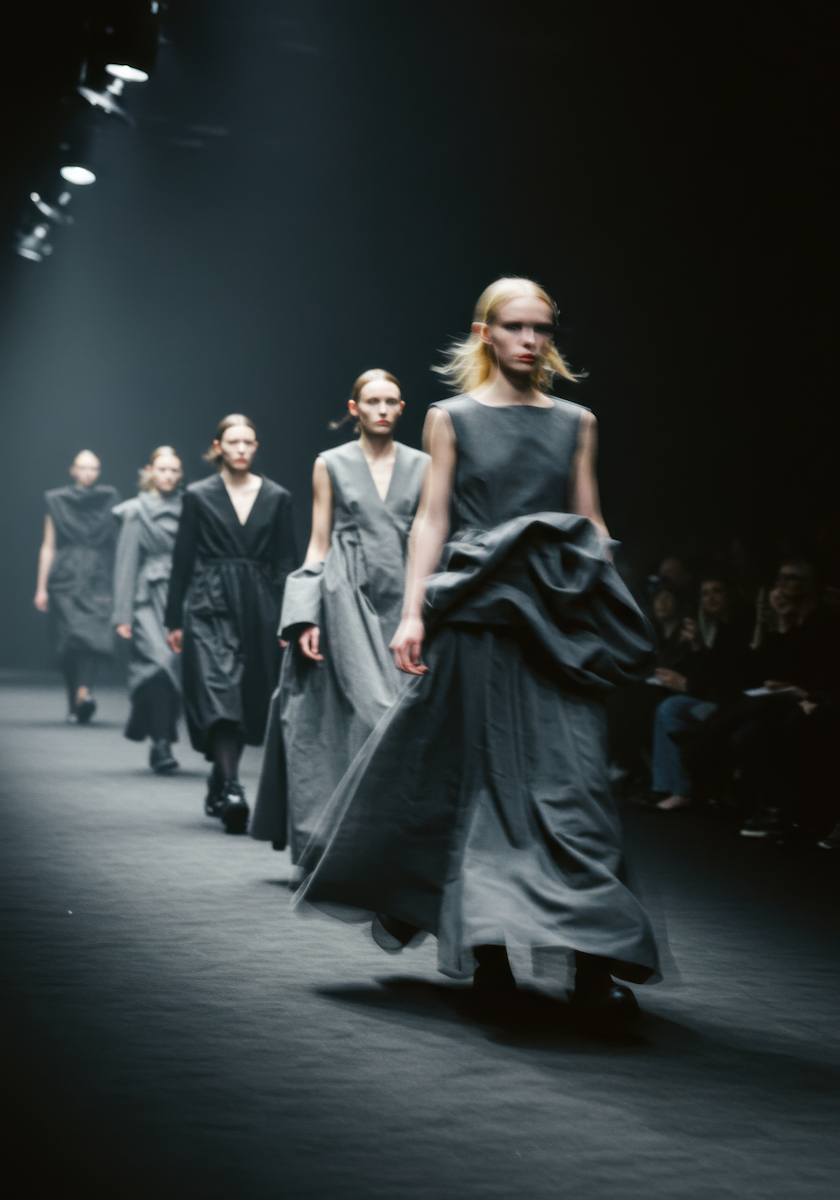
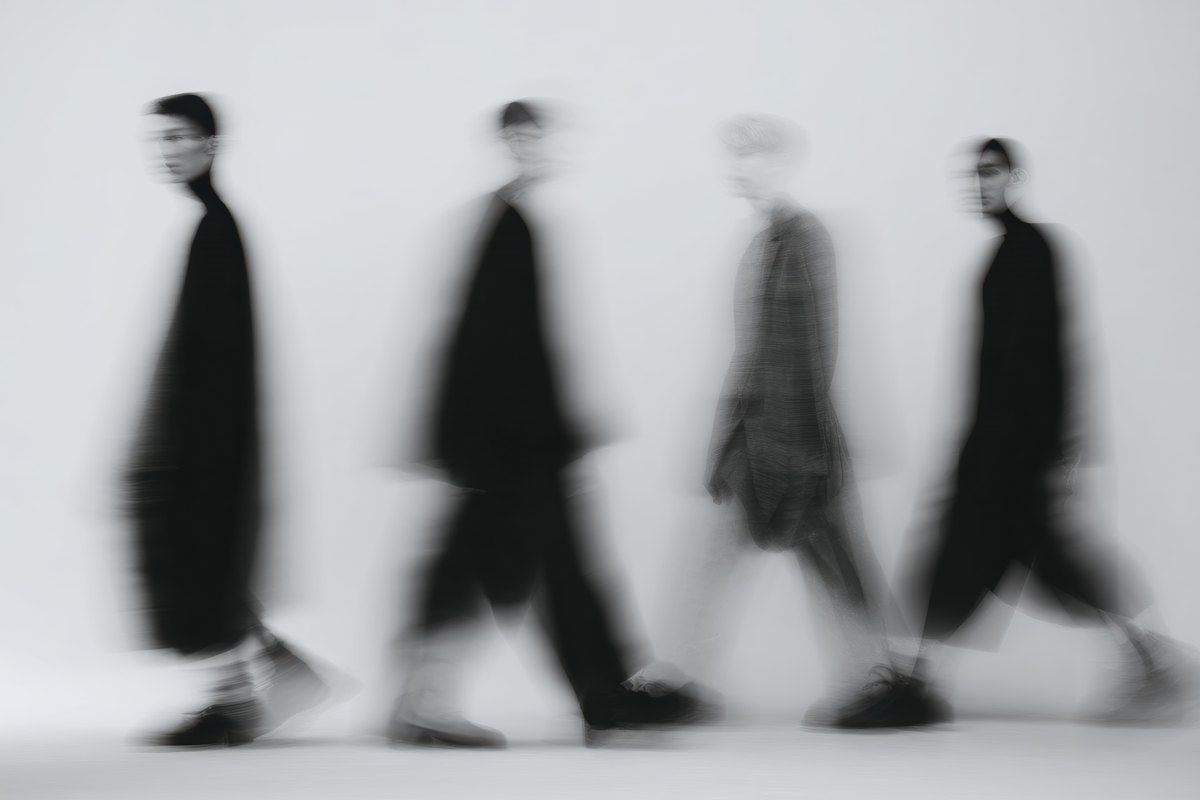
Three-layer parallax image gallery driven by mouse movement. Each plane moves at a different speed (1×, 0.5×, 0.25×) with lerp-based momentum decay. Requires a parent container with defined height.
View Full Demo →Preview

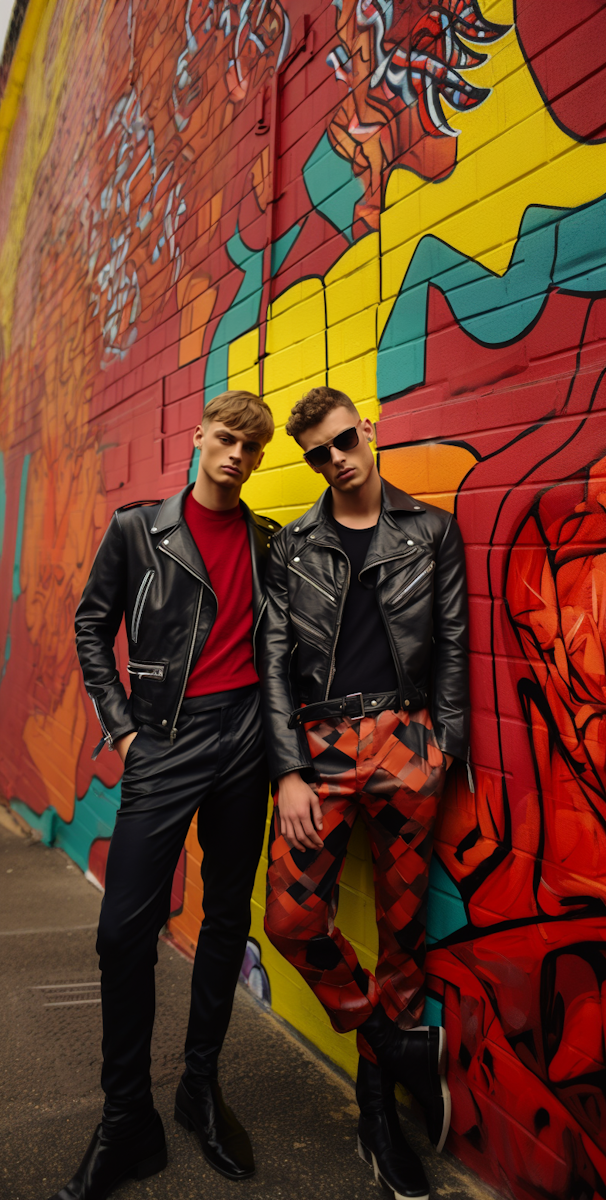

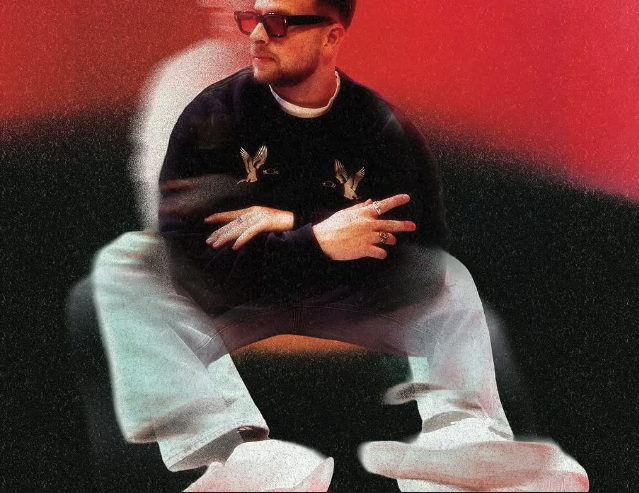
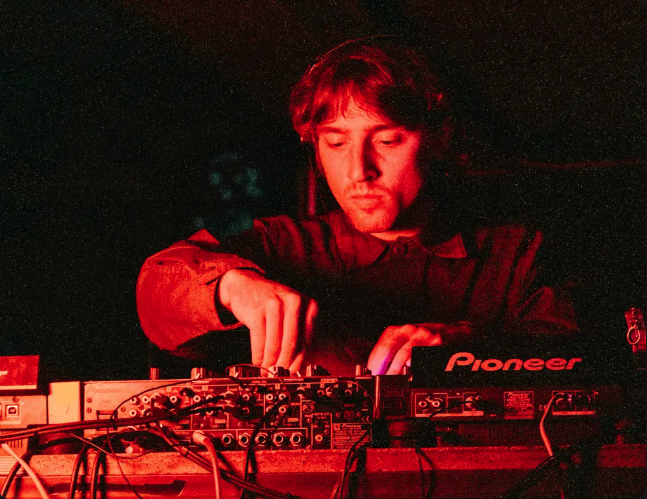


Source
import FloatingGallery from "./index.jsx";
import { floatingGallery } from "@/content/animations/demo-data.js";
import styles from "./demo.module.css";

export default function FloatingGalleryDemo() {
  return (
    <div className={styles.demo}>
      <FloatingGallery
        planes={floatingGallery.planes}
        easing={floatingGallery.easing}
        speed={floatingGallery.speed}
      />
      <p className={styles.label}>Move your mouse</p>
    </div>
  );
}
"use client";

import { useRef, useCallback } from "react";
import { gsap } from "gsap";
import styles from "./styles.module.css";

export default function FloatingGallery({
  planes = [[], [], []],
  easing = 0.08,
  speed = 0.01,
  className = "",
}) {
  const plane1Ref = useRef(null);
  const plane2Ref = useRef(null);
  const plane3Ref = useRef(null);

  const xForce = useRef(0);
  const yForce = useRef(0);
  const rafId = useRef(null);

  const lerp = (start, target, amount) =>
    start * (1 - amount) + target * amount;

  const animate = useCallback(() => {
    xForce.current = lerp(xForce.current, 0, easing);
    yForce.current = lerp(yForce.current, 0, easing);

    gsap.set(plane1Ref.current, {
      x: `+=${xForce.current}`,
      y: `+=${yForce.current}`,
    });
    gsap.set(plane2Ref.current, {
      x: `+=${xForce.current * 0.5}`,
      y: `+=${yForce.current * 0.5}`,
    });
    gsap.set(plane3Ref.current, {
      x: `+=${xForce.current * 0.25}`,
      y: `+=${yForce.current * 0.25}`,
    });

    if (Math.abs(xForce.current) < 0.01) xForce.current = 0;
    if (Math.abs(yForce.current) < 0.01) yForce.current = 0;

    if (xForce.current !== 0 || yForce.current !== 0) {
      rafId.current = requestAnimationFrame(animate);
    } else {
      cancelAnimationFrame(rafId.current);
      rafId.current = null;
    }
  }, [easing]);

  const handleMouseMove = useCallback(
    (e) => {
      const { movementX, movementY } = e;
      xForce.current += movementX * speed;
      yForce.current += movementY * speed;

      if (rafId.current === null) {
        rafId.current = requestAnimationFrame(animate);
      }
    },
    [speed, animate]
  );

  const planeRefs = [plane1Ref, plane2Ref, plane3Ref];

  return (
    <div
      className={`${styles.gallery} ${className}`}
      onMouseMove={handleMouseMove}
    >
      {planes.map((planeImages, planeIndex) => (
        <div
          key={planeIndex}
          ref={planeRefs[planeIndex]}
          className={styles.plane}
        >
          {planeImages.map((img, imgIndex) => (
            <div
              key={imgIndex}
              className={styles.imageWrapper}
              style={{
                width: img.width,
                position: "absolute",
                left: img.x,
                top: img.y,
              }}
            >
              <img
                src={img.src}
                alt={img.alt || ""}
                style={{ width: "100%", height: "auto", display: "block" }}
              />
            </div>
          ))}
        </div>
      ))}
    </div>
  );
}
.demo {
  position: relative;
  width: 100%;
  height: 100vh;
  background: #0d0d0d;
  overflow: hidden;
}

.label {
  position: absolute;
  bottom: 2.5rem;
  left: 5vw;
  z-index: 10;
  font-size: 0.75rem;
  letter-spacing: 0.12em;
  text-transform: uppercase;
  color: rgba(255, 255, 255, 0.35);
  pointer-events: none;
}
.gallery {
  --space-2xl: 2rem;

  position: relative;
  width: 100%;
  height: 100%;
  overflow: hidden;
}

.plane {
  position: absolute;
  inset: 0;
  pointer-events: none;
}

.imageWrapper {
  flex-shrink: 0;
}
Dependencies
gsap
More in Animations

Apr 27, 2026
ANIMATIONSCursor Hover Label
A custom cursor label that follows the mouse and fades in when hovering trigger elements. Uses GSAP quickTo for smooth tracking. Trigger elements use data-cursor-label attributes to set label text. Inspired by portfolio/agency sites like Studio PIC.

Apr 27, 2026
ANIMATIONSSection Transition 01
GSAP ScrollTrigger-based section transition system. Sibling sections opt into parallax, pin, or reveal modes via data attributes. Supports y offset, overlay opacity, and overlay color per section. Mobile strategy simplifies motion on smaller screens.

Apr 27, 2026
ANIMATIONSText Reveal 01
GSAP SplitText-based text reveal system. Text elements opt in with data-reveal-01 and split into lines, words, or characters. Supports load-time reveals, scroll-triggered reveals, scrubbed scroll reveals, and manual split-only mode for custom timelines. Per-element overrides for duration, stagger, delay, ease, and replay behavior.