Zoom Parallax
Five images sit in a sticky viewport. As you scroll through 300vh, each image scales up at a different rate. The center image scales 1→4 to fill the screen; outer images scale faster (up to 1→9), flying past the frame.
View Full Demo →Preview
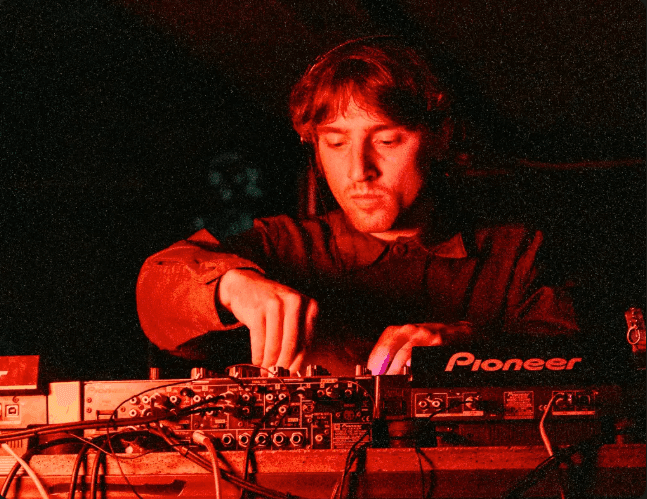
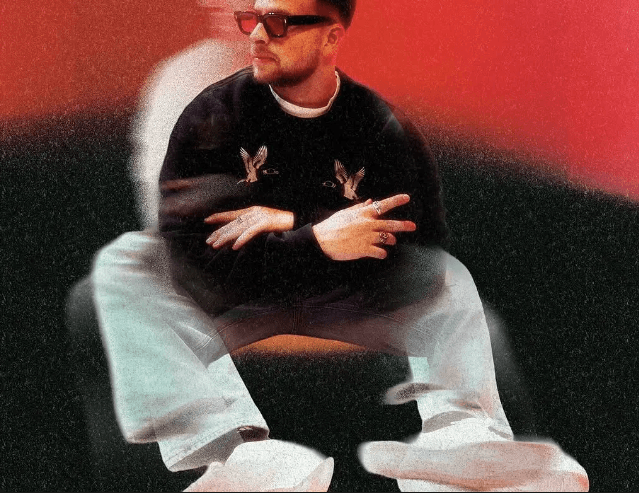



Source
"use client";
import { useRef } from "react";
import Image from "next/image";
import { motion, useScroll, useTransform } from "framer-motion";
import styles from "./styles.module.css";

// Each image element needs its own hook call — extracted to sub-component
function ZoomImage({ src, progress, scaleRange, offsetX, offsetY }) {
  const scale = useTransform(progress, [0, 1], scaleRange);
  return (
    <div className={styles.elWrapper} style={{ marginLeft: offsetX, marginTop: offsetY }}>
      <motion.div className={styles.el} style={{ scale }}>
        <div className={styles.imageContainer}>
          <Image src={src} alt="" fill className={styles.img} sizes="25vw" />
        </div>
      </motion.div>
    </div>
  );
}

// 5 images: scale ranges + offsets from sticky center
const PICTURES = [
  { scaleRange: [1, 4], offsetX: "0",        offsetY: "0" },
  { scaleRange: [1, 5], offsetX: "-27.5vw",  offsetY: "-25vh" },
  { scaleRange: [1, 6], offsetX: "27.5vw",   offsetY: "-30vh" },
  { scaleRange: [1, 8], offsetX: "-22.5vw",  offsetY: "20vh"  },
  { scaleRange: [1, 9], offsetX: "25vw",     offsetY: "15vh"  },
];

export default function ZoomParallax({ images = [] }) {
  const containerRef = useRef(null);

  const { scrollYProgress } = useScroll({
    target: containerRef,
    offset: ["start start", "end end"],
  });

  const srcs = images.length >= 5 ? images : [...images, ...images, ...images].slice(0, 5);

  return (
    <div ref={containerRef} className={styles.container}>
      <div className={styles.sticky}>
        {PICTURES.map((pic, i) => (
          <ZoomImage
            key={i}
            src={srcs[i]}
            progress={scrollYProgress}
            scaleRange={pic.scaleRange}
            offsetX={pic.offsetX}
            offsetY={pic.offsetY}
          />
        ))}
      </div>
    </div>
  );
}
.container {
  height: 300vh; /* scroll distance to drive the zoom */
  position: relative;
}

/* Sticky viewport — all images live inside here */
.sticky {
  position: sticky;
  top: 0;
  height: 100vh;
  overflow: hidden;
  background: #111;
}

/* Wrapper: positions each image from the viewport center */
.elWrapper {
  position: absolute;
  top: 50%;
  left: 50%;
  /* CSS translate (independent of Framer Motion transform) centers the element */
  translate: -50% -50%;
  /* marginLeft/marginTop applied via inline style for per-image offset */
}

/* The scaled div — width/height determine size at scale:1; scale:4 fills 100vw×100vh */
.el {
  width: 25vw;
  height: 25vh;
  transform-origin: center;
}

.imageContainer {
  position: relative;
  width: 100%;
  height: 100%;
  overflow: hidden;
  border-radius: 0.25rem;
}

.img {
  object-fit: cover;
}
Dependencies
framer-motion
More in Animations

Apr 27, 2026
ANIMATIONSCursor Hover Label
A custom cursor label that follows the mouse and fades in when hovering trigger elements. Uses GSAP quickTo for smooth tracking. Trigger elements use data-cursor-label attributes to set label text. Inspired by portfolio/agency sites like Studio PIC.

Apr 27, 2026
ANIMATIONSSection Transition 01
GSAP ScrollTrigger-based section transition system. Sibling sections opt into parallax, pin, or reveal modes via data attributes. Supports y offset, overlay opacity, and overlay color per section. Mobile strategy simplifies motion on smaller screens.

Apr 27, 2026
ANIMATIONSText Reveal 01
GSAP SplitText-based text reveal system. Text elements opt in with data-reveal-01 and split into lines, words, or characters. Supports load-time reveals, scroll-triggered reveals, scrubbed scroll reveals, and manual split-only mode for custom timelines. Per-element overrides for duration, stagger, delay, ease, and replay behavior.