Dual Push Cards
Two-up CTA card section with scroll-driven parallax on each card's background image. Cards scale down and drift vertically as you scroll past. Glassmorphic blur buttons at bottom-left. Stacks on mobile, side-by-side grid on desktop.
View Full Demo →Preview
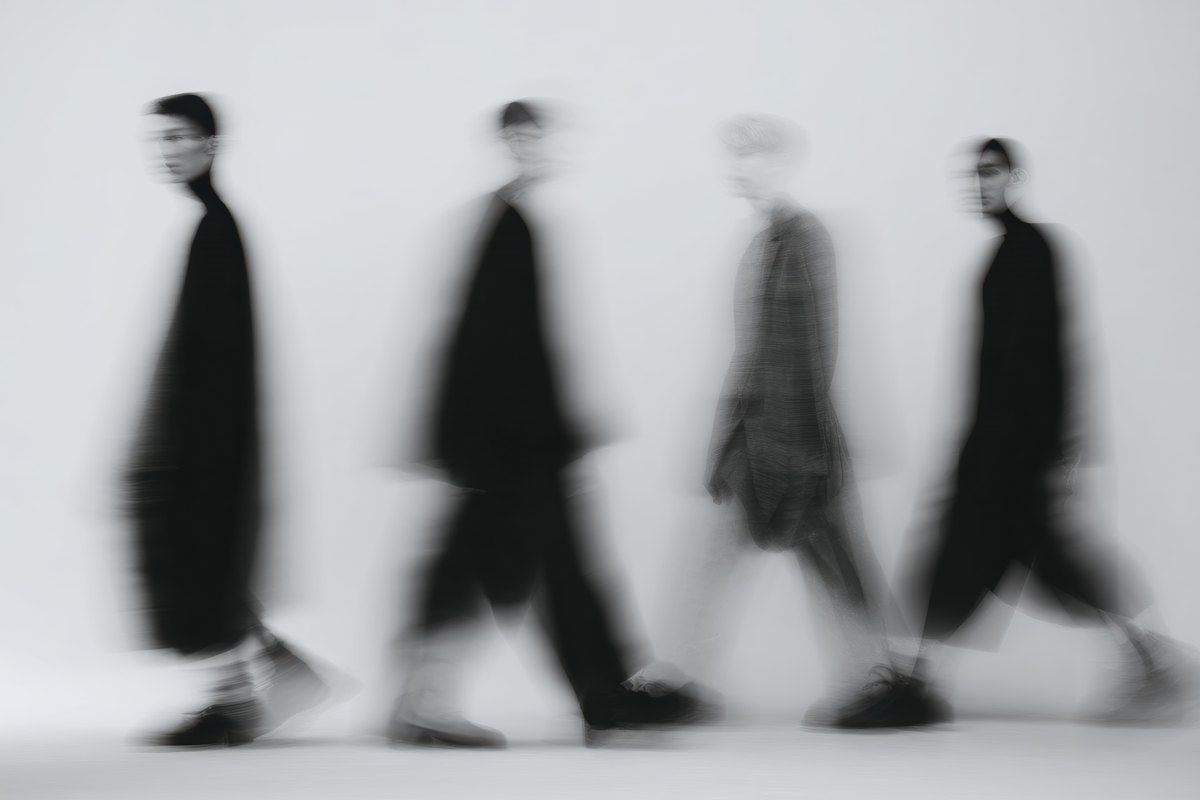
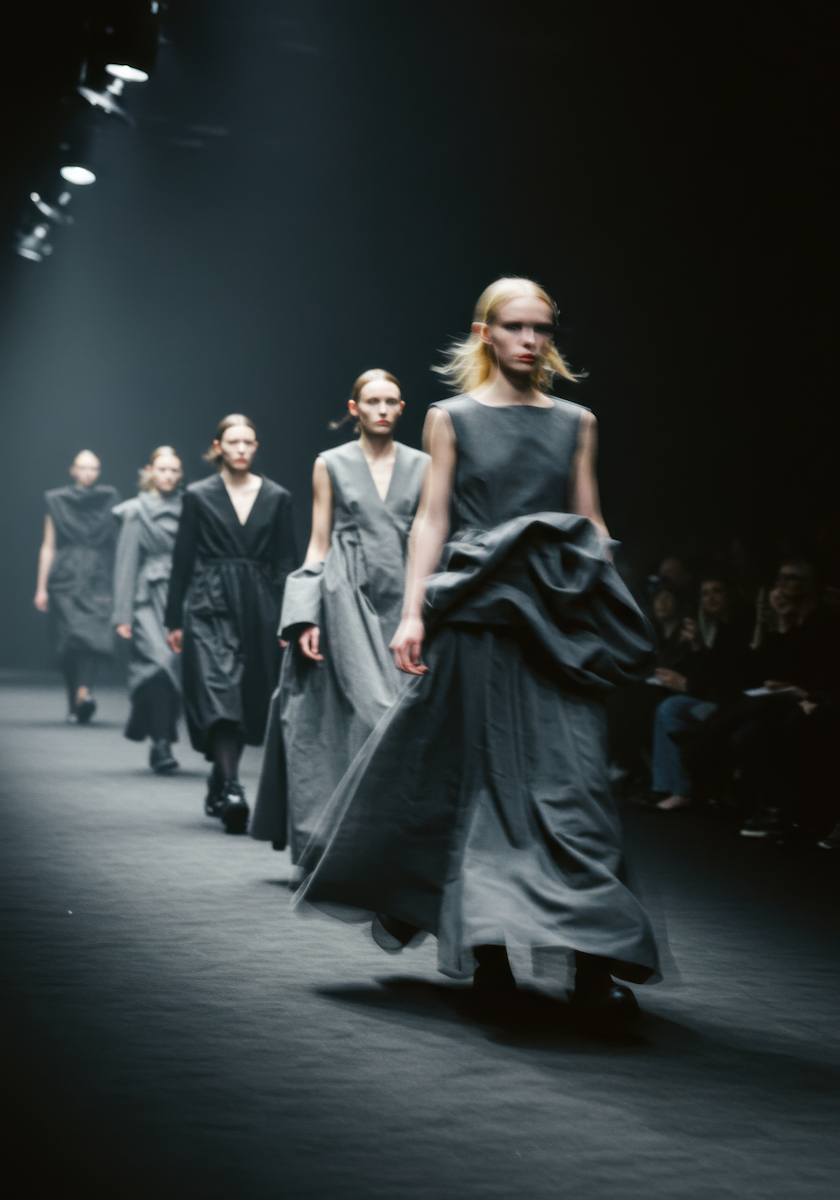
Source
import DualPushCards from "./index.jsx";
import { dualPushCards } from "../demo-data.js";

export default function DualPushCardsDemo() {
  return (
    <div style={{ paddingTop: "50vh", paddingBottom: "50vh" }}>
      <DualPushCards {...dualPushCards} />
    </div>
  );
}
"use client";
import { useEffect, useRef } from "react";
import gsap from "gsap";
import { ScrollTrigger } from "gsap/ScrollTrigger";
import styles from "./styles.module.css";
gsap.registerPlugin(ScrollTrigger);
export default function DualPushCards({ cards = [] }) {
const gridRef = useRef(null);
useEffect(() => {
const el = gridRef.current;
if (!el) return;
const cardEls = el.querySelectorAll("[data-dual-card]");
const triggers = [];
cardEls.forEach((card) => {
const st = ScrollTrigger.create({
trigger: card,
start: "top bottom",
end: "bottom top",
scrub: true,
onUpdate(self) {
card.style.setProperty("--progress", self.progress);
},
});
triggers.push(st);
});
return () => triggers.forEach((st) => st.kill());
}, []);
return (
<div ref={gridRef} className={styles.grid}>
{cards.map((card, i) => (
<a
key={i}
className={styles.card}
href={card.href || "#"}
data-dual-card
>
<h2 className={styles.heading}>{card.heading}</h2>
<div className={styles.imageBg} aria-hidden="true">
<div className={styles.imageInner}>
<img
className={styles.image}
src={card.image}
alt={card.heading}
loading="lazy"
/>
</div>
</div>
<div className={styles.overlay} />
<span className={styles.button} aria-hidden="true" tabIndex={-1}>
<span className={styles.buttonArrow}>→</span>
<span>{card.buttonLabel}</span>
</span>
</a>
))}
</div>
);
}
/* ── Grid wrapper ── */
.grid {
  position: relative;
  display: flex;
  flex-direction: column;
  gap: 4px;
  padding-left: 4px;
  padding-right: 4px;
}

@media (min-width: 1024px) {
  .grid {
    display: grid;
    grid-template-columns: repeat(2, 1fr);
  }
}

/* ── Card ── */
.card {
  position: relative;
  display: flex;
  flex-direction: column;
  justify-content: space-between;
  overflow: hidden;
  border-radius: 16px;
  padding: 20px;
  aspect-ratio: 1;
  color: #ffffff;
  text-decoration: none;
}

@media (min-width: 768px) {
  .card {
    aspect-ratio: 1.3;
    padding: 24px;
  }
}

@media (min-width: 1024px) {
  .card {
    aspect-ratio: 1.5;
    padding: 28px;
  }
}

/* ── Heading ── */
.heading {
  position: relative;
  z-index: 2;
  font-size: clamp(1.5rem, 0.7826rem + 3.587vw, 3.5625rem);
  font-weight: 500;
  line-height: 1.1;
  max-width: 280px;
}

@media (min-width: 1024px) {
  .heading {
    font-size: clamp(1.25rem, 0.9674rem + 1.413vw, 2.0625rem);
    max-width: 280px;
  }
}

/* ── Background image layer ── */
.imageBg {
  position: absolute;
  inset: 0;
  z-index: 0;
  overflow: hidden;
}

.imageInner {
  position: absolute;
  inset: 0;
  /* Parallax driven by --progress */
  transform: scale(calc(1.15 - var(--progress, 0) * 0.15))
    translateY(calc((var(--progress, 0) * 2 - 1) * 10%));
}

.image {
  width: 100%;
  height: 100%;
  object-fit: cover;
}

/* ── Dark overlay ── */
.overlay {
  position: absolute;
  inset: 0;
  z-index: 1;
  background: linear-gradient(
    0deg,
    rgba(0, 0, 0, 0.2) 0%,
    rgba(0, 0, 0, 0.2) 100%
  );
}

/* ── Blur button ── */
.button {
  position: relative;
  z-index: 2;
  display: inline-flex;
  align-items: center;
  gap: 8px;
  width: fit-content;
  padding: 8px 16px;
  border-radius: 9999px;
  background: rgba(255, 255, 255, 0.12);
  backdrop-filter: blur(18px);
  -webkit-backdrop-filter: blur(18px);
  font-size: clamp(0.875rem, 0.8533rem + 0.1087vw, 0.9375rem);
  font-weight: 500;
  color: #ffffff;
  pointer-events: none;
  transition: transform 0.4s cubic-bezier(0.19, 1, 0.22, 1);
}

.card:hover .button {
  transform: scale(1.05);
}

.buttonArrow {
  display: inline-flex;
  font-size: 1em;
  line-height: 1;
}
Dependencies
gsap
More in Sections

May 4, 2026
SECTIONSPortfolio Grid
A responsive portfolio showcase section with a header tagline, blinking cursor counters, a 2-up/4-col project card grid with hover-zoom images and data-label metadata, plus a full-width CTA button. Scroll-triggered fade and move-up animations via GSAP.

May 1, 2026
SECTIONSLogo Wall Cycle
A responsive logo grid that cycles through brand logos with smooth GSAP-powered swap animations. Shows 8 logos on desktop and 6 on tablet, shuffling hidden logos into view on a timed loop. Pauses when out of viewport or tab is hidden.

Apr 27, 2026
SECTIONSCase Overview Scroll
Full-viewport stacked case study slider. Each slide is sticky and its image receives scroll-driven translateY and scale transforms, creating a parallax depth effect as slides layer over each other. Inspired by DashDigital's case overview pattern.